
01Step 1 of 3
Pick a template
Click around the live previews until one fits. Each template has its own style guide and images.
Templates for websites, mobile apps, and launch videos. Each one comes with the prompt, style guide, and images behind it, ready to paste into your AI tool.
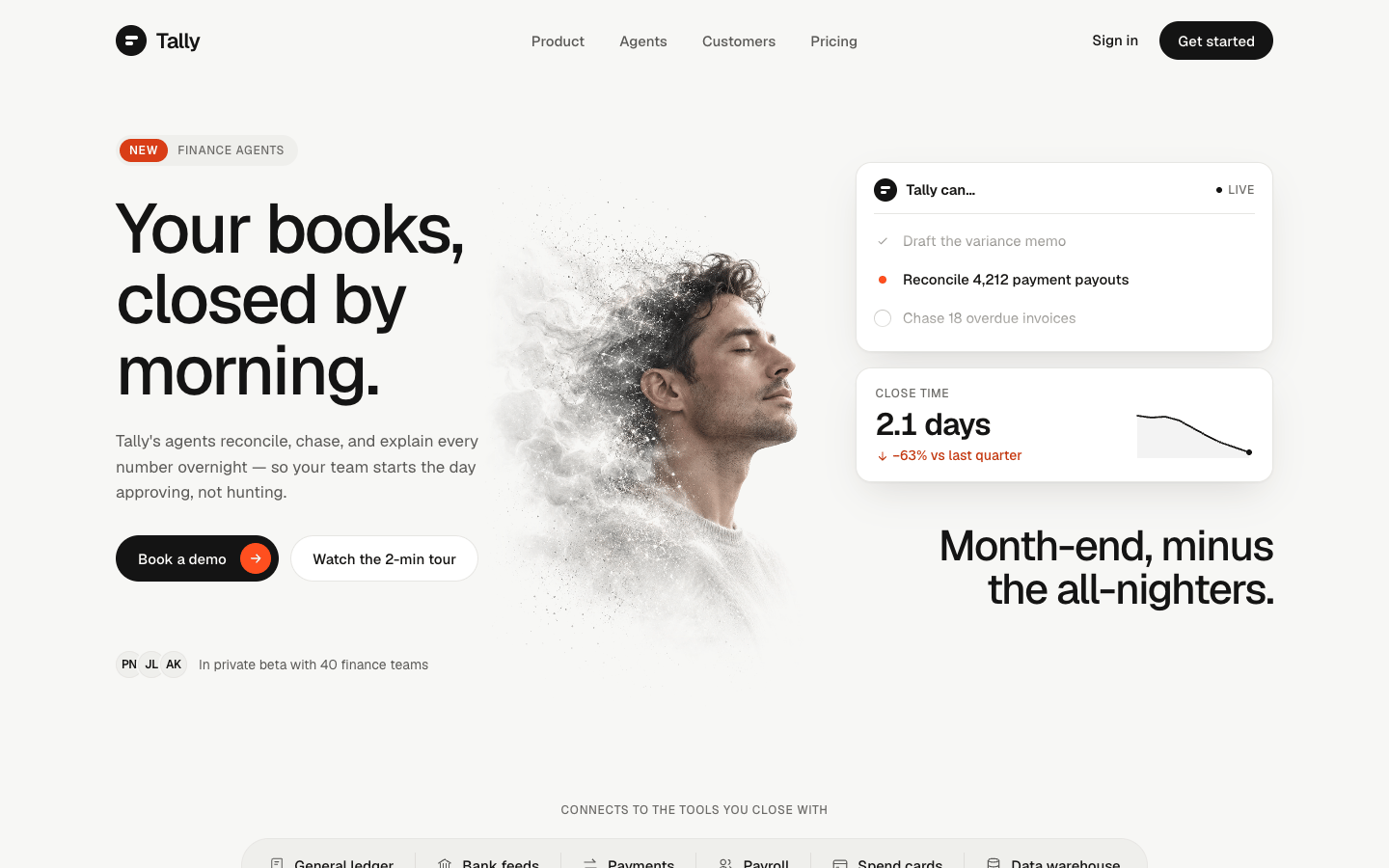
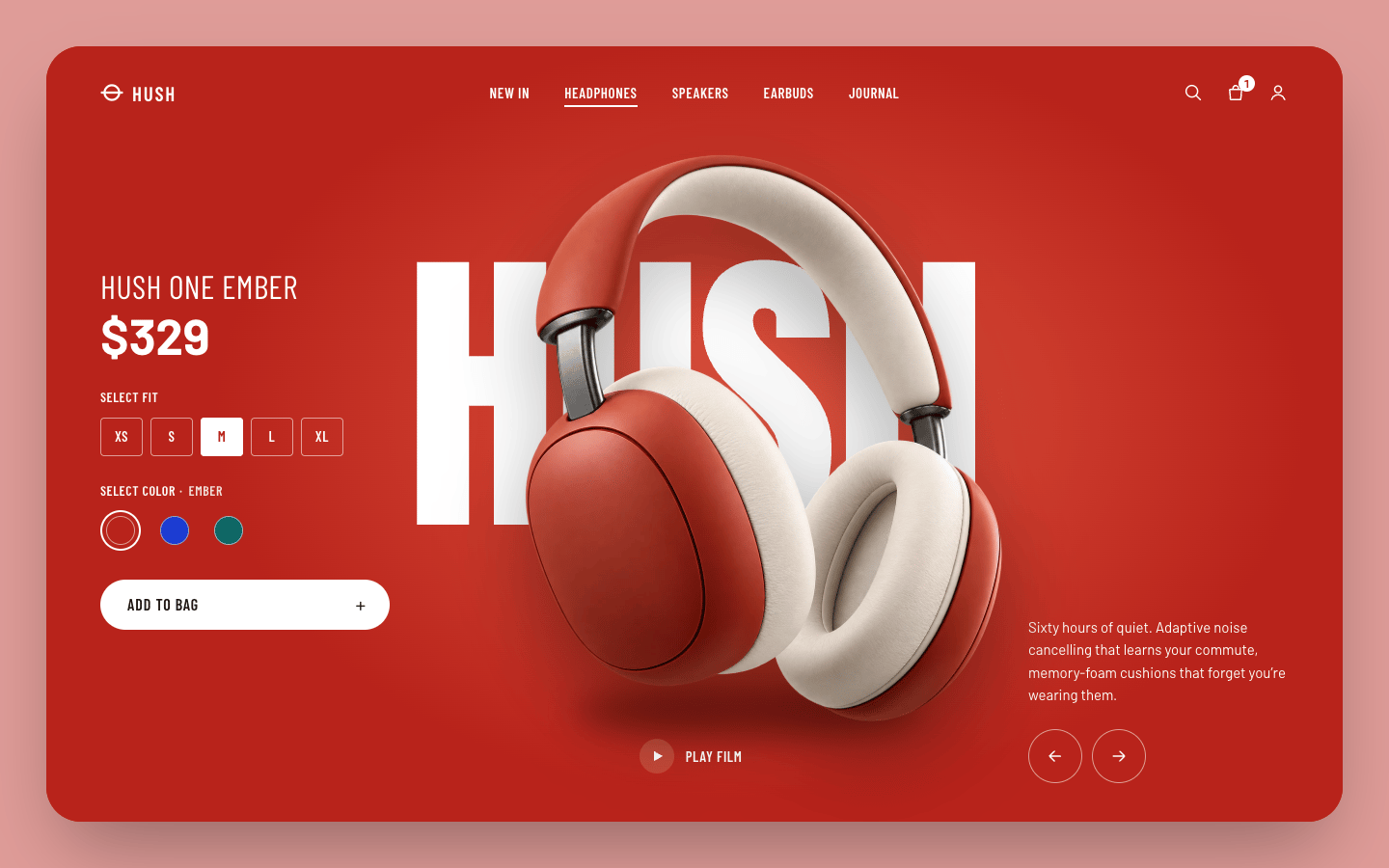
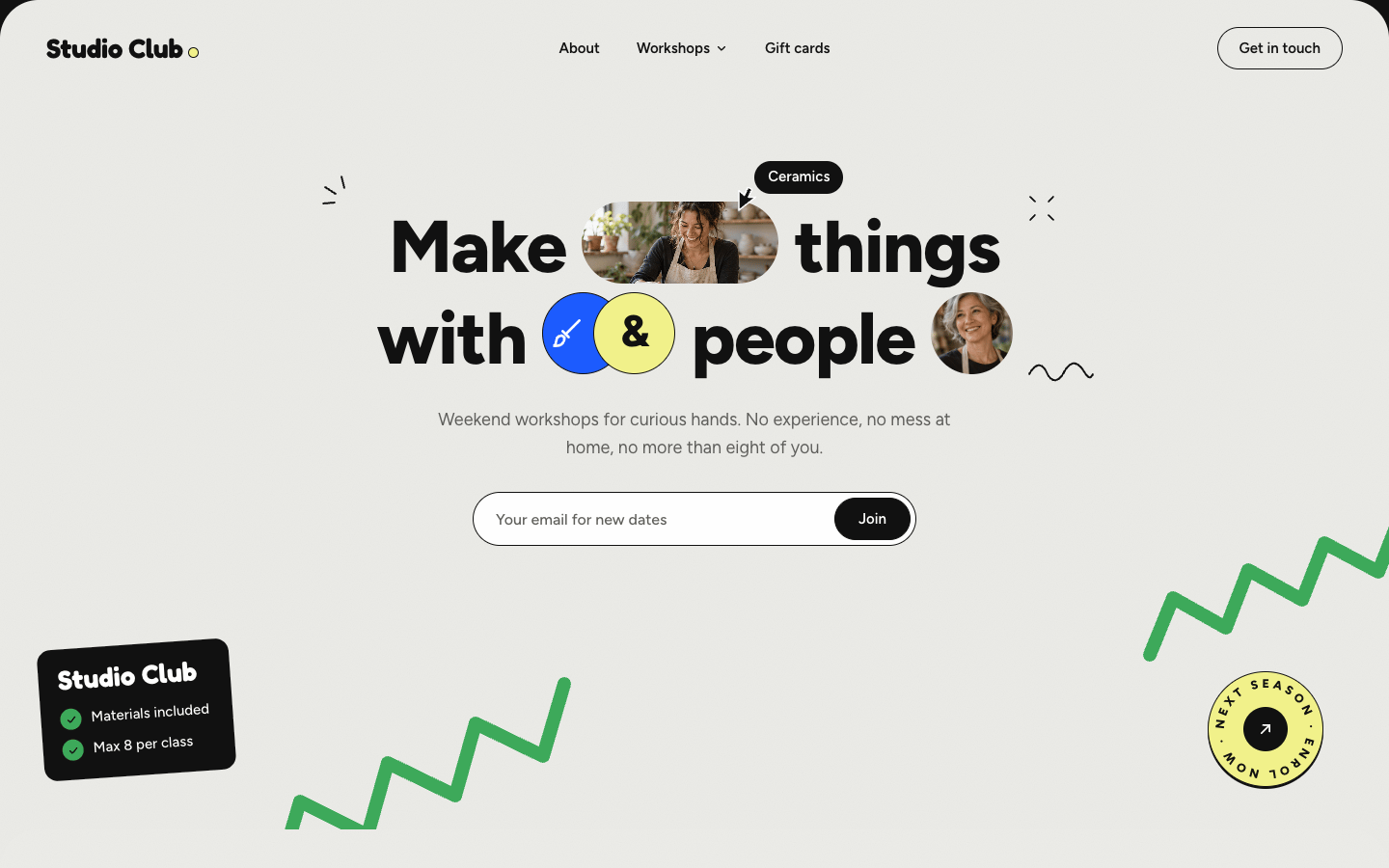
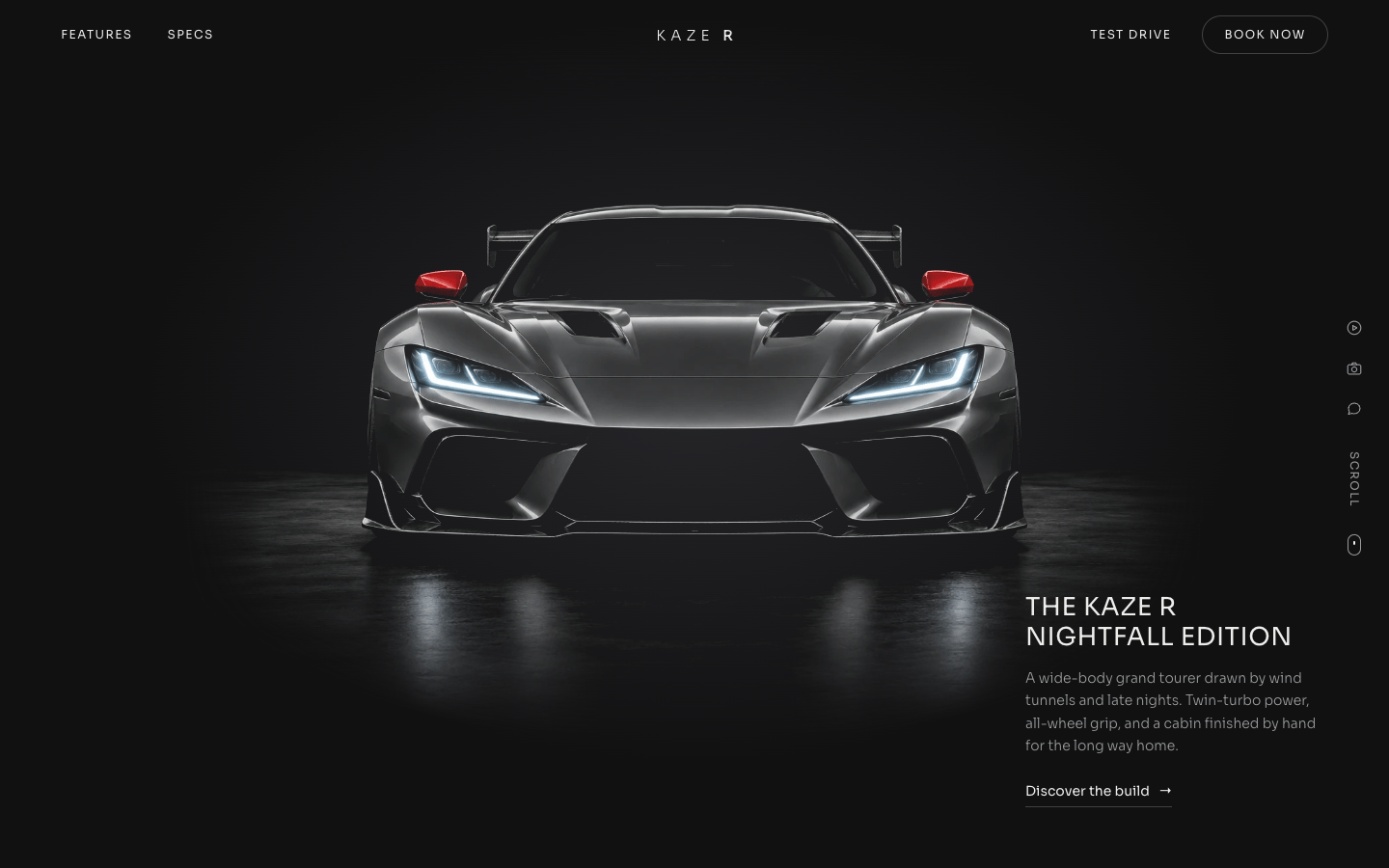
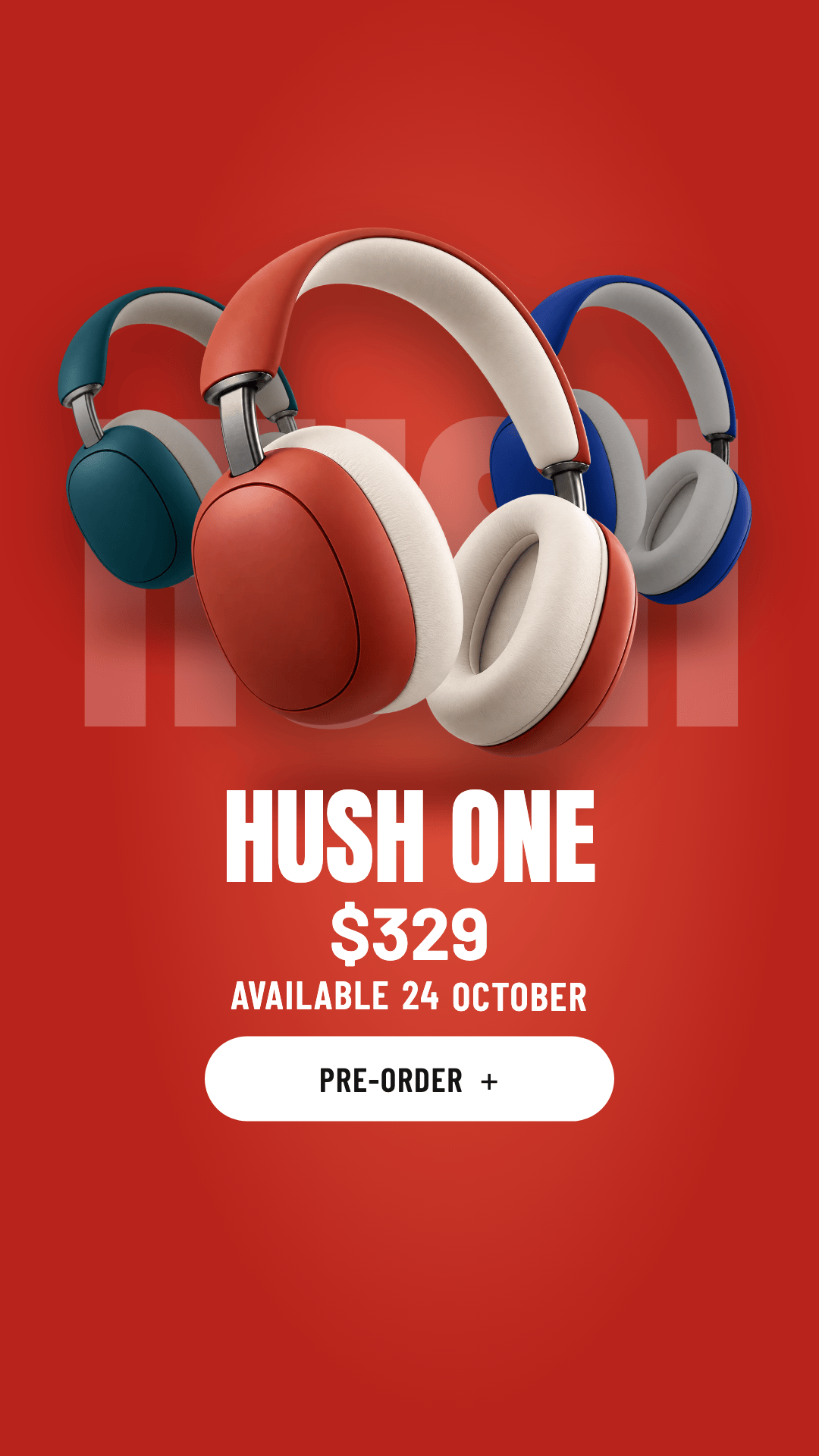
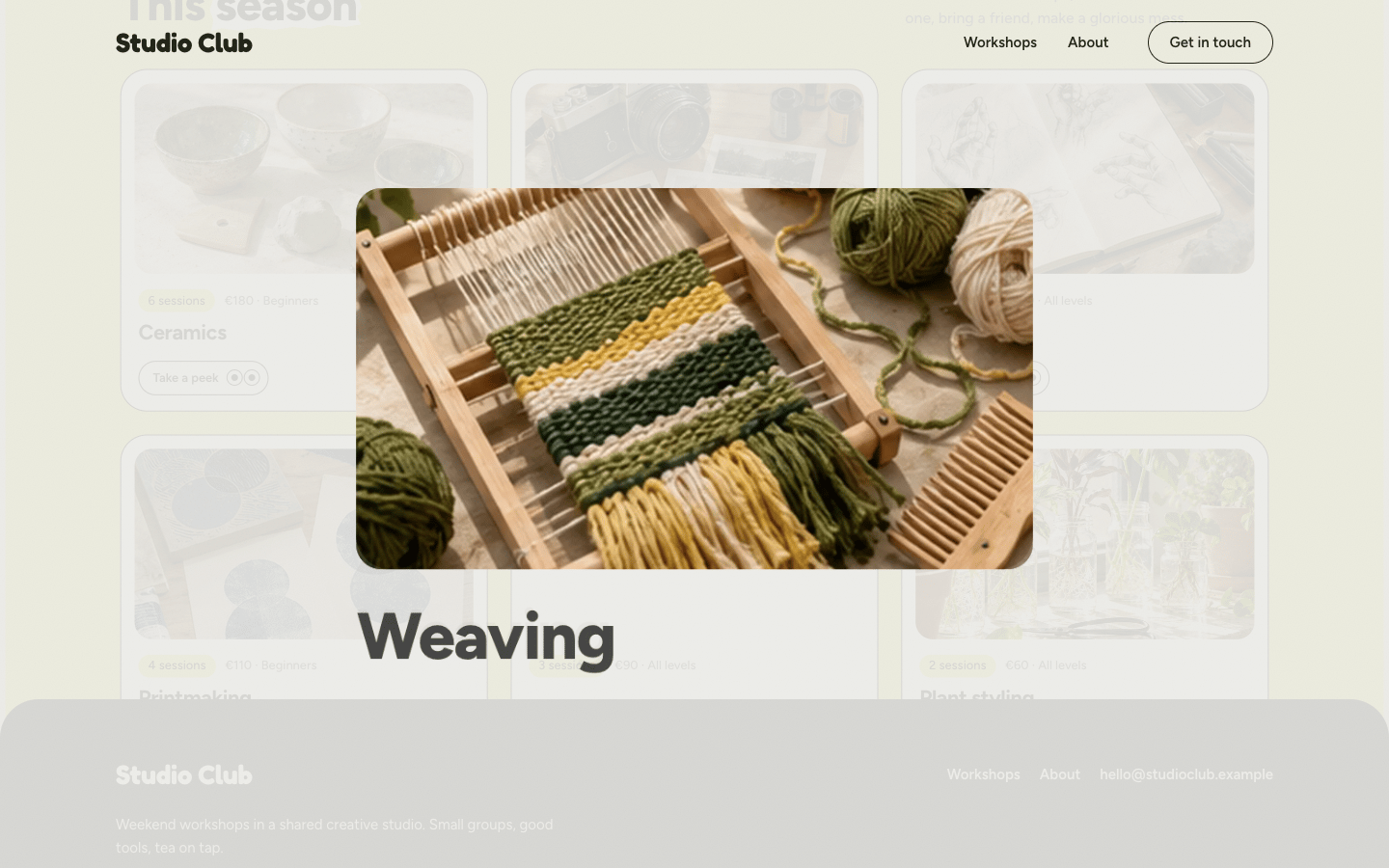 Tend habit trackerIllustrated App · Web + MobileTally finance agentsMono AI SaaS · WebHush One product heroChroma Showcase · WebStudio Club landingPlayful Collage · WebKaze R scroll storyNoir Motion · WebHush One launch reelChroma Showcase · VideoStudio Club page transitionsPlayful Collage · Motion kit
Every template here is a finished build. You get the prompt that made it, the style guide it follows, and the images it uses. Paste them into your AI tool and start from design choices a person already made.
Three steps, shown with a real template: Tend habit tracker.
Click around the live previews until one fits. Each template has its own style guide and images.
One button copies the style guide and the build prompt, set up for the tool you use.
Use this template
Tend habit tracker
Copies the style guide + landing-web.md, with instructions for Claude Code.
Put the images where your tool can read them. If the result drifts, compare it with our source and point the tool back at the guide.




 +6
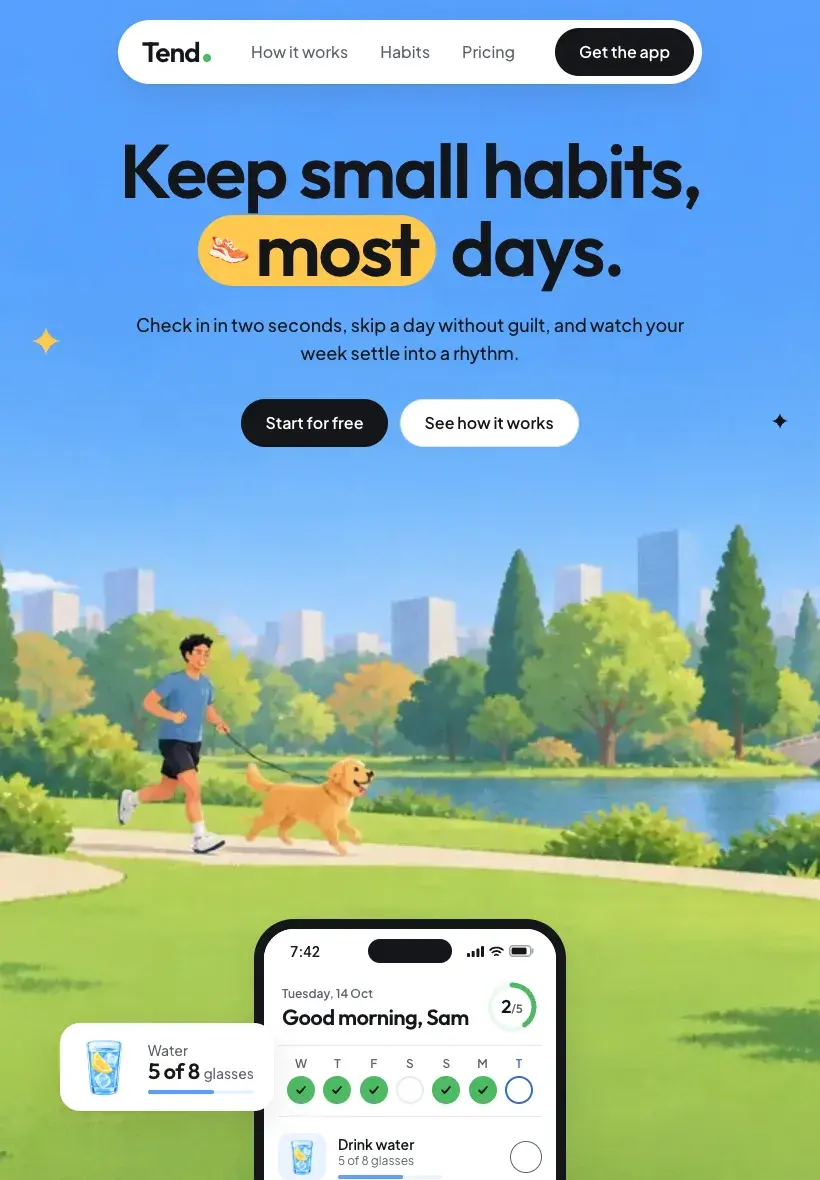
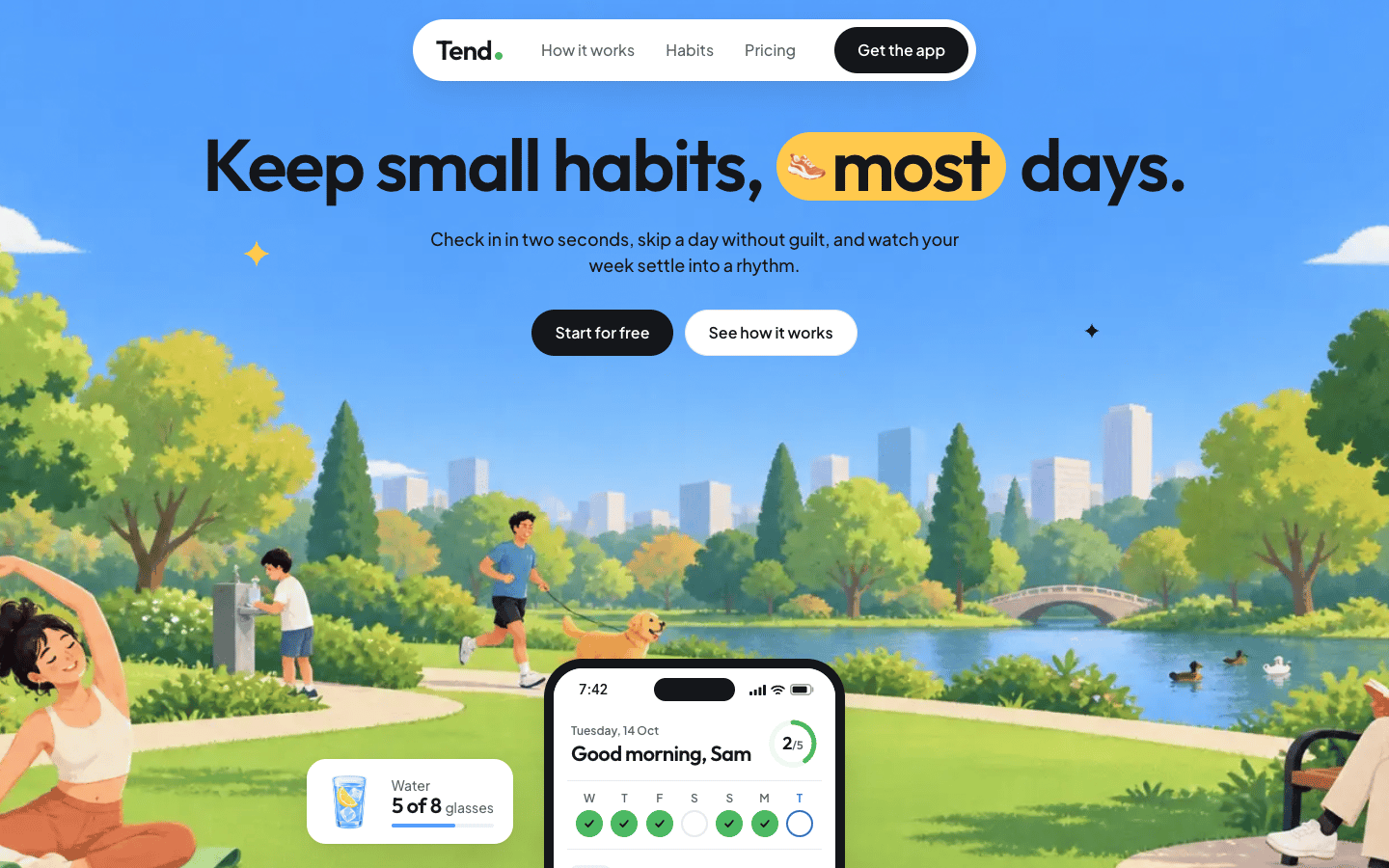
+6The preview, the widths, the prompt, and the style tokens, all from Tend habit tracker.
Hover the cover to watch it move. The template page opens the build itself, so you can click through it first.
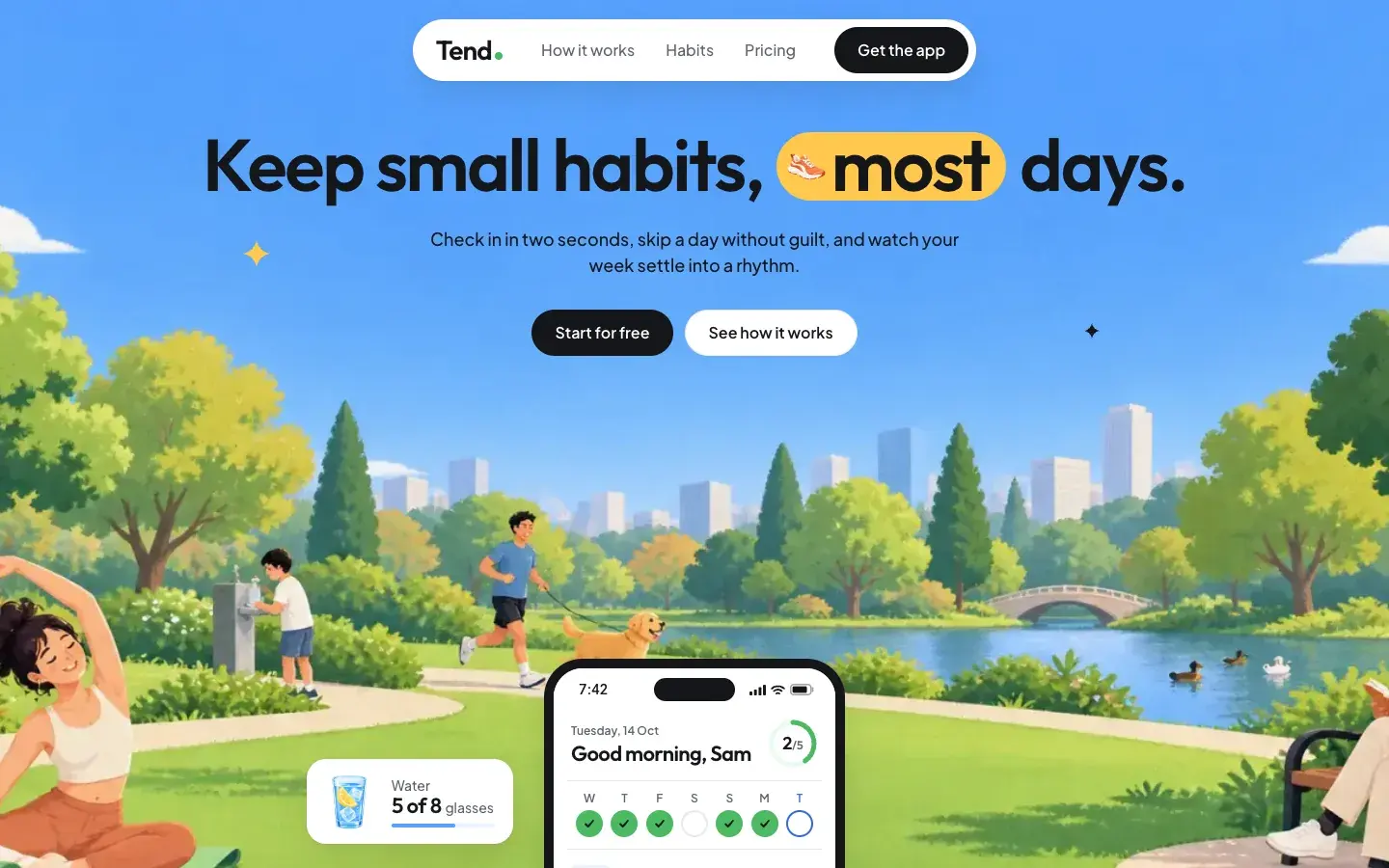
1440 × 900
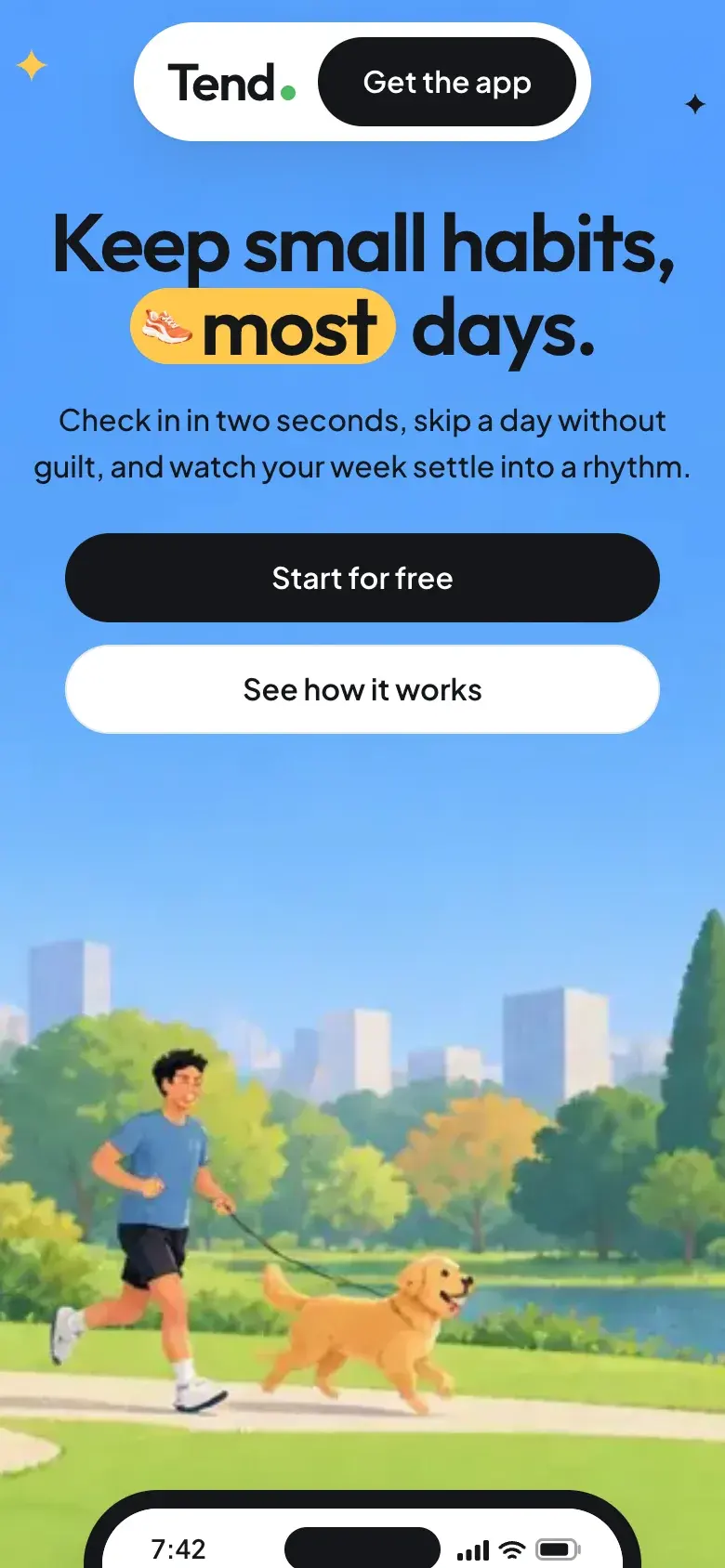
Switch between desktop, tablet, and phone before you copy anything.
# Prompt: Landing page (web), Tend

Build the marketing landing page for **Tend**, a gentle habit tracker for everyday routines (water, reading, walking, stretching, winding down). Tend counts "most days" instead of perfect streaks: check-ins take two seconds, a missed day is fine, and the week shows up as a calm rhythm instead of a score.

Follow the style guide `style.md` (Illustrated App v2) exactly. Treat every token, pattern, and item in its "Never" list as a hard constraint. Use only the illustrations listed below; never draw scenes, people, objects, or plants in code.
Written for your AI tool, with every section and image spelled out.
Illustrated Appv2.1
Each style guide names its colours and says where each one goes.
Pick your tool before you copy and the prompt is set up for it.
Free templates come with the full package. Pro adds the other 5 and each new drop.
Real builds you can click through, each with the prompt that made it.
7 templates
$0forever
No card needed
$8/month
or $60/year at the founding price
$49once
First 50 buyers, then $79
A folder per template. It has the build prompts, the style guide they rely on, the images, the image prompts we used to make those images, and our finished source so you can check your result against ours.
Anything that takes a long prompt and writes code. Pick Claude Code, Cursor, v0, or Lovable before you copy, and the prompt is set up for that tool.
No. The design decisions are written down in the style guide, and your AI tool follows them. You compare the result with our live preview and send the tool back to the guide when something looks off.
Yes. What you build with a template is yours to ship, for your own products or for clients. You can’t resell or redistribute the templates, prompts, or packages themselves.
Video templates are built with Remotion. Remotion is free for individuals and for companies of up to 3 people; larger companies need a Remotion company license from remotion.dev. Our license covers the template. Remotion is licensed separately.
2 templates are free with the whole package. No card needed.